What Makes a High-Converting WordPress Website?
The content, usability, performance, and decision-making foundations of a useful WordPress website.
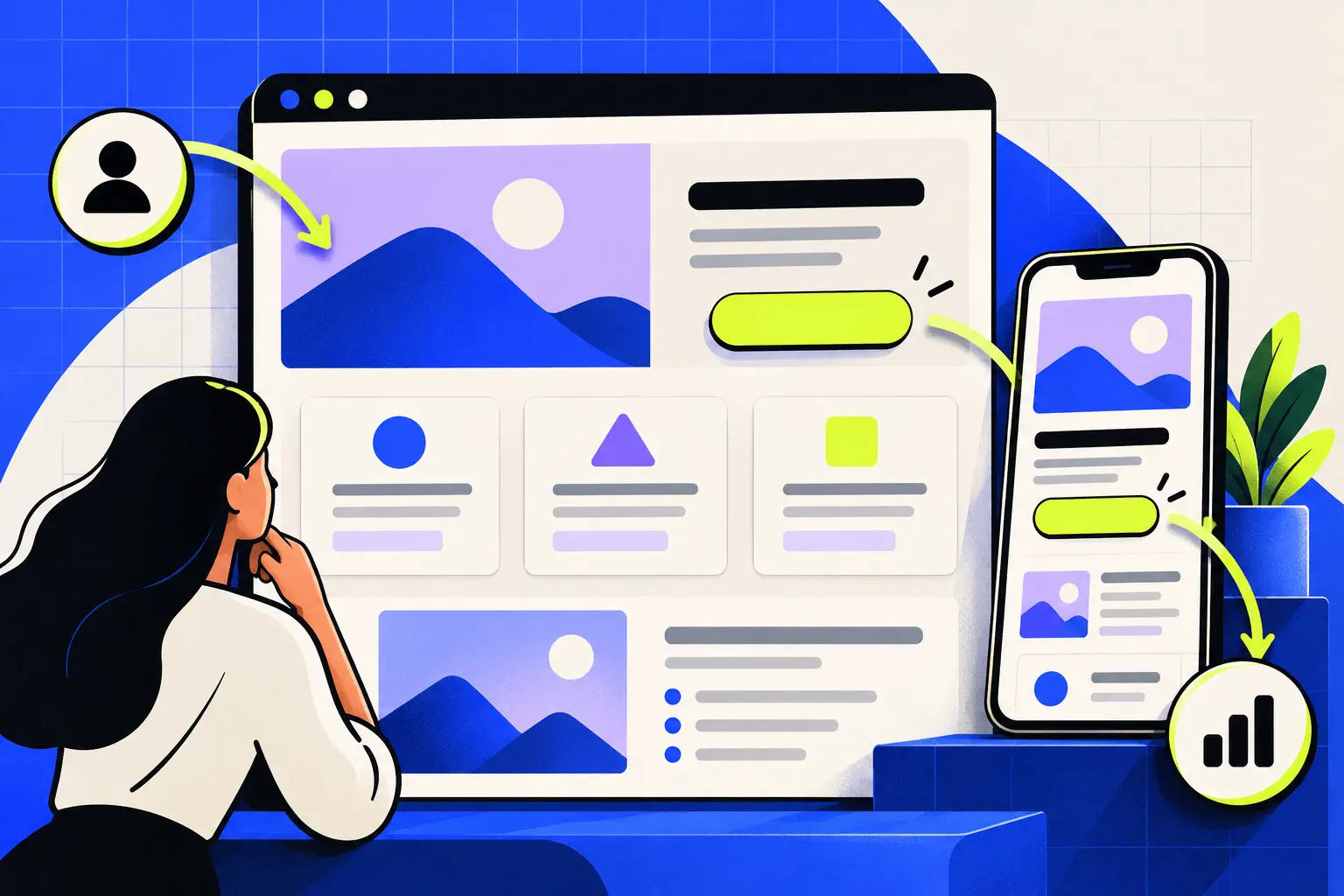
A high-converting WordPress website makes the audience, offer, evidence, and next action clear while remaining fast, accessible, and easy to maintain. Conversion does not come from a single button colour or animation. It comes from reducing uncertainty throughout the customer journey.
The right design helps visitors answer four questions quickly: Is this for me? What problem does it solve? Why should I trust it? What should I do next?
What does “high-converting” actually mean?
A conversion is the useful action your website is designed to support. That could be a qualified enquiry, purchase, booking, application, signup, download, or phone call. The definition should come from the business goal—not from a generic website benchmark.
Conversion quality matters as much as quantity. A page that attracts many unsuitable enquiries may create more work without creating more value. The content should help the right visitor move forward and help the wrong visitor understand that the offer is not a fit.
Clarity should come before decoration
The first screen does not need to explain everything, but it should orient the visitor. A useful hero section normally identifies the offer, the relevant audience or problem, and a clear next action. Supporting proof can then reduce uncertainty.
Use a specific value proposition
Replace broad claims such as “innovative solutions” with language that explains the work and its value. Specific wording is easier for customers, search engines, and AI answer systems to interpret.
Keep navigation predictable
Primary navigation should reflect the questions a prospective customer is likely to ask: what you do, how it works, who you are, what you know, and how to contact you. Creative navigation can still be clear.
Make calls to action match the decision
A visitor reading an early educational article may need a service explanation rather than an immediate sales call. A visitor on a detailed service page may be ready to send a project brief. Use the next logical action instead of repeating one aggressive button everywhere.
Structure content around the decision journey
A strong page moves from orientation to confidence. The exact order changes by offer, but the following components are useful:
- Problem and promise: clarify the situation and the useful outcome.
- Service or solution: explain what is included in concrete terms.
- Fit: help visitors recognise whether the offer suits their context.
- Evidence: use real examples, process detail, demonstrations, or verifiable proof.
- Process: remove uncertainty about what happens after contact.
- Objections: answer practical concerns such as scope, ownership, timelines, or maintenance without inventing guarantees.
- Action: provide a focused way to continue.
TopicGrove applies this approach in its WordPress web development service, connecting design choices to the purpose of each page.
Performance and mobile usability are conversion work
A beautiful page is not useful if it is difficult to load, read, or operate. Responsive design should be tested at real viewport sizes rather than treated as a final shrink-down step.
- Keep body text readable without zooming.
- Give buttons and form controls enough space for touch input.
- Avoid horizontal overflow and content hidden behind fixed elements.
- Optimise images and load only the scripts each page needs.
- Use meaningful headings, labels, keyboard-friendly interactions, and adequate contrast.
- Protect layout stability so content does not jump while the page loads.
Performance is not only a technical score. It affects whether a visitor can understand and use the page under ordinary network and device conditions.
Build WordPress for maintenance, not only launch day
The editor experience is part of the website. Reusable templates, sensible content fields, clear image guidance, and restrained plugin use make it easier to publish without breaking the design.
Choose a custom implementation when the experience, performance, or content model needs it. Use established blocks and plugins when they solve the requirement cleanly. The goal is not to maximise custom code or minimise it at any cost; the goal is a maintainable system with clear ownership.
A useful WordPress build lets the team update content confidently while keeping layout, performance, and search foundations consistent.
A practical website review checklist
- Can a new visitor describe the offer after reading the first screen?
- Does every important page have one clear H1 and descriptive H2 sections?
- Are service claims supported by visible process detail or real evidence?
- Is the next action appropriate for the visitor’s stage?
- Can the main journey be completed comfortably on mobile?
- Do forms explain what information is required and what happens next?
- Are page titles, descriptions, internal links, and structured data intentional?
- Can authorised editors update routine content without touching code?
- Are backups, updates, security responsibilities, and analytics ownership documented?
Questions readers ask.
Clear answers to the practical questions that usually follow this topic.
What makes a WordPress website conversion-focused?
A conversion-focused site makes the offer, audience, evidence, and next step clear. Good performance, responsive layouts, useful content, accessible interactions, and reliable measurement support that journey; visual style alone is not enough.
Do I need a full rebuild to improve conversions?
Not always. If the technical foundation is healthy, focused changes to positioning, page structure, proof, calls to action, forms, and performance may be enough. A rebuild is more sensible when the current system prevents those improvements or is difficult to maintain.
How important are mobile speed and usability?
They are essential. Visitors need to read, navigate, complete forms, and take action comfortably on a small screen. Heavy media, unstable layouts, tiny controls, and slow loading can weaken both the customer experience and organic visibility.
Can my team update the website after launch?
Yes, when WordPress is built as a clear content system. Reusable patterns, sensible fields, limited plugin dependence, documentation, and a practical handover help teams publish and maintain content without breaking the design.