AI Automation for Small Businesses: Where to Start
A practical framework for choosing a safe, measurable first automation project.
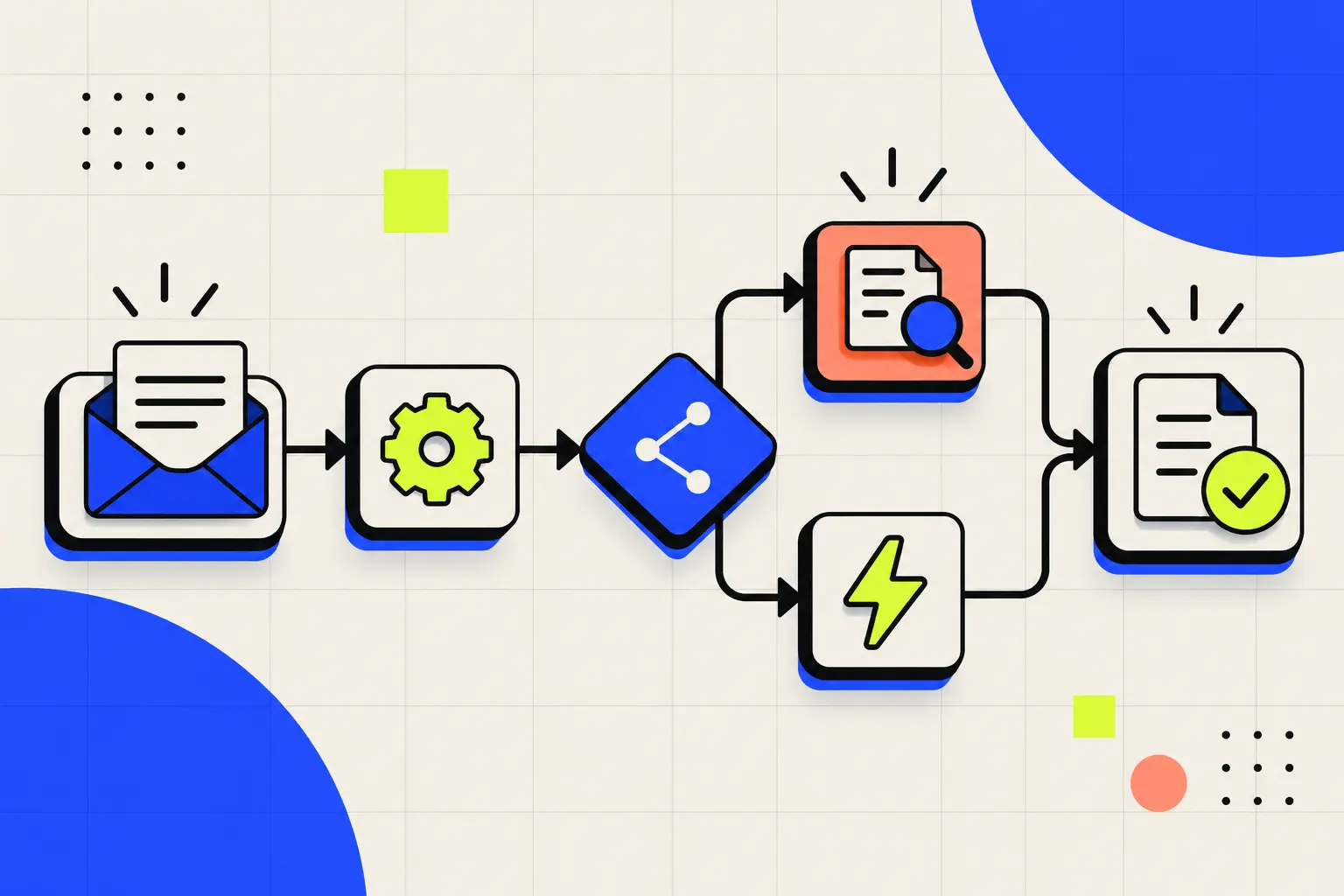
A small business should usually automate a repetitive, rules-based workflow that already has a clear owner and a measurable result. Good first candidates include enquiry routing, appointment reminders, data transfer between tools, routine reporting, and follow-up prompts. The safest starting point is not the most impressive automation; it is the smallest workflow that can save meaningful time without hiding important decisions.
Automation works best when it removes predictable friction. It should not make an unclear process run faster, replace judgement that still needs a person, or create a system nobody knows how to maintain.
What should a small business automate first?
Start with one process that happens frequently, follows a recognisable pattern, and creates an obvious cost when it is delayed or completed incorrectly. This makes the result easier to test and explain.
A useful first workflow often has four parts: a trigger, a set of rules, an action, and a human checkpoint. For example, a website enquiry can trigger a workflow that classifies the request, records it in a customer system, sends an acknowledgement, and asks a team member to review anything uncertain.
Simple rule: automate the repeatable movement of information before automating decisions with real business risk.
Five signs a workflow is ready for automation
1. The same steps repeat frequently
If a person follows nearly the same sequence every day or every week, the workflow may be a candidate. Write the current steps down first. If the steps cannot be described clearly, the process probably needs clarification before automation.
2. The inputs and expected output are consistent
Automation needs recognisable inputs. A form with defined fields is easier to handle reliably than an unstructured message that could mean many different things. AI can help interpret variation, but a human review path is still important when the meaning is uncertain.
3. A person owns the result
Every workflow needs an owner who can answer questions, review exceptions, and decide whether the outcome is useful. “The automation handles it” is not accountability.
4. Exceptions can be identified
A practical system knows when to stop. It should send unusual, sensitive, or incomplete cases to a person instead of pretending every situation fits the default rule.
5. The result can be measured
Choose a baseline before building. Useful measures may include time spent, response delay, number of manual handoffs, incomplete records, or cases requiring correction. Use metrics that match the workflow rather than a generic automation score.
Good first automation examples
- Lead intake: capture website enquiries, apply basic routing rules, and notify the right person.
- Appointment communication: send confirmations, reminders, and follow-up instructions from an approved schedule.
- Internal requests: collect structured information and create a task in the team’s existing system.
- Routine reporting: gather agreed data from known sources and prepare a consistent summary for review.
- Content operations: move an approved item through review, publishing, and distribution steps without losing ownership.
These examples are starting points, not universal recommendations. The right choice depends on your tools, data quality, permissions, and the consequences of an error. TopicGrove’s AI automation service begins by mapping those conditions before choosing a solution.
What not to automate first
Avoid beginning with a process that is changing every week, depends on undocumented judgement, or contains sensitive decisions without a clear review policy. Also avoid automating a workflow only because a new tool makes it possible.
High-risk areas deserve additional controls. A system that affects money, legal commitments, access permissions, health, safety, employment, or personal data should have explicit boundaries, auditability, and qualified human oversight.
It is also worth checking whether the real problem is the process itself. If customers are asked for the same information three times, connecting the data may help. If the information is unnecessary, removing the step may be better than automating it.
A practical first-project method
- Choose one bottleneck. Describe what starts the workflow, who touches it, where it slows down, and what “done” means.
- Record the baseline. Note current time, handoffs, corrections, and failure points.
- Define boundaries. Decide what the system may do automatically and what must go to a person.
- Build a small pilot. Use a limited set of real cases rather than redesigning the entire operation at once.
- Review exceptions. Look at where the workflow became uncertain, failed, or created extra work.
- Document ownership. Record the tools, rules, credentials, alerts, and person responsible for maintenance.
- Expand only after evidence. Add complexity when the first version is stable and the measured result justifies it.
Questions readers ask.
Clear answers to the practical questions that usually follow this topic.
What should a small business automate first?
Start with a frequent, rules-based task that causes delay or repeated manual work, such as lead routing, appointment reminders, status updates, or reporting. Choose one workflow with a clear owner and measurable result before expanding.
Will AI automation replace employees?
Not necessarily. The most useful first projects usually remove repetitive steps, prepare information, or route work so people can focus on judgement, relationships, and exceptions. Human review should remain wherever the consequence of an error is meaningful.
Do I need many new tools to begin?
Often no. A practical automation can connect tools the business already uses. New software should be introduced only when it solves a real limitation and the ongoing cost, maintenance, and data handling are justified.
How should automation success be measured?
Measure the result the workflow is meant to improve: time saved, response time, fewer missed handoffs, fewer errors, better data completeness, or more qualified enquiries. Compare the new workflow with a simple baseline instead of measuring activity alone.